

Redshift 是一款功能强大的 3D 渲染软件,可帮助可视化您的 3D 设计、模型、动画和场景。
通过模拟逼真的光照、纹理和效果,Redshift 将 3D 设计转换为高质量的动画或图像。其 GPU 加速引擎可让实现逼真的细节、快速的反馈并且减少渲染时间。
WHAT’S NEW
Redshift为艺术家提供兼具速度与灵活性的渲染能力,让他们能够打造出充满想象力的场景,并呈现出电影级的真实质感。 我们的秋季发布能让您轻松创建逼真的环境,无论您是添加自然天空、构建大气磅礴的科幻世界,还是确保材质表现与其真实世界对应物一致,都会获得惊艳的结果。
程序化云对象–通过Redshift菜单向太阳与天空添加2D云层,即可立即为场景增添逼真的2D云层。 快速切换至3D体积程序化云层,以实现穿梭效果——只需单击一下,天空穹顶上的2D云层便会转换为允许相机穿梭其中的3D体积云。
太阳与天空改进-此次更新优化了太阳与天空系统的选取与交互流程,操作更直观便捷。 如今反光表面能精准呈现太阳盘和新RS云层的反射效果;同时,您还可以使用多达四个太阳与天空系统(每个系统都配有独立太阳)并将其混合在一起,以创造有趣的小型科幻环境。
场景单位更新-将RS材质与其所代表的真实世界表面精准匹配,通过直观呈现以厘米为单位的透射深度与次表面散射等参数,使材质属性精准还原其物理特性。

GPU加速
Redshift是一款强大的GPU加速渲染器,专为满足当代高端制作渲染的特殊需求而打造。Redshift专为支持各种规模的创意个人和工作室而设计,提供了一套强大的功能,并与行业标准的CG应用程序集成。

核心产品优势
Redshift拥有着CPU渲染器的功能与毫不妥协的质量,但却拥有GPU的渲染速度。与其他GPU渲染器不同的是,Redshift是一个有偏渲染器,允许用户调整各个技术的质量,以获得最佳的性能/质量平衡的制作。

摄像级写实
Redshift的打开即用功能提供了获得逼真效果的基本要素,其RenderView交互式预览区域使调整设置和获得即时效果变得轻而易举。事实上,艺术家可以或多或少地实时进行调整。

着色与纹理
Redshift支持生产级质量渲染所需的复杂、高级着色系统和纹理处理的功能。

角色
每位艺术家都希望他们的渲染看起来很棒,但同时也需要快速的结果,因为更快的渲染意味着有更多的时间来发挥创意和交付客户的修改意见。有许多令人惊奇的渲染器可以让您的 3D 作品栩栩如生,但只有 Redshift 可以始终如一地提供令人惊叹的速度和出色的图像。
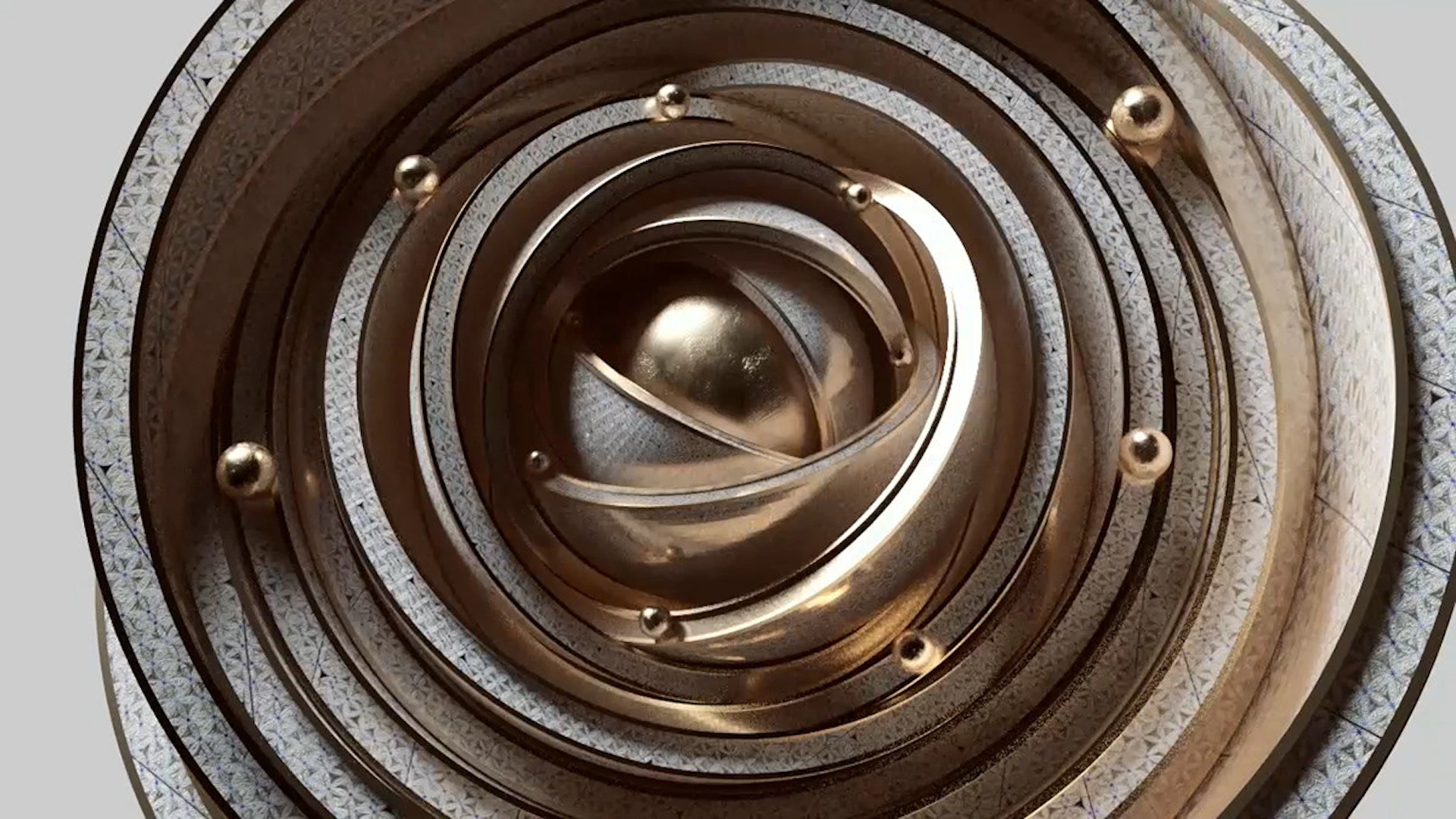
INTEGRATIONS
Redshift supports the industry’s most popular 3D applications, offering seamless integration into your production pipeline. Redshift standalone supports all integrations – you can jump between any of the supported applications without any additional cost for each integration.


REQUIREMENTS
Looking for information regarding operating system requirements and compatibility?

Features
Out of core geometry and texturesRedshift’s efficient memory management allows rendering of scenes containing hundreds of millions of polygons and TBs of texture data. |
 |
Global IlluminationAchieve blazingly fast indirect lighting using biased point-based GI techniques, as well as brute-force GI. |
 |
World-leading performanceHarnessing the raw power of the GPU and using intelligent sampling techniques makes Redshift the worlds fastest renderer. |
 |
ProxiesArtists can export groups of objects to Redshift Proxy files which can be easily referenced by other scenes and allow powerful shader overrides. |
 |
Transformation and deformation blurRedshift supports multi-step transformation blur and 2-step deformation blur. |
 |
Volumetric RenderingRender realistic clouds, smoke, fire and more with Redshift’s Volumetric Rendering. |
|
Hair rendering with ‘Min Pixel Width’Thin hair can produce noisy renders. Redshift supports ‘MPW’ rendering which smooths out the look of thin and hard-to-sample hairs. |
 |
Tessellation and displacementRedshift’s tessellation supports edge and vertex creasing with separate UV smoothing control. |
|
Per-object flexibilityObjects have advanced matte features and tracing options such as self-shadowing and primary/secondary ray visibility. |
 |
BakingRedshift allows for any type of AOV data to be baked out from individual objects. |
|
Command-line renderingUsers can export their scene and render it independently of their 3D app using the redshiftCmdLine tool. |
 |
SDKA C++ SDK is available for studios that require deeper integration of Redshift with their pipelines. |
|
DenoisingAI-powered Denoising is a cheat-code for quicker renders, and Redshift offers three great solutions depending on your system and use case. |
 |
Redshift CPURedshift CPU offers an interactive experience when developing your project, and perfect compatibility with high-performance Redshift GPU rendering. |
 |


Distorter NodeThe Distorter shader can be used to drive distortion of the UV space for a material according to texture or shader input. |
 |
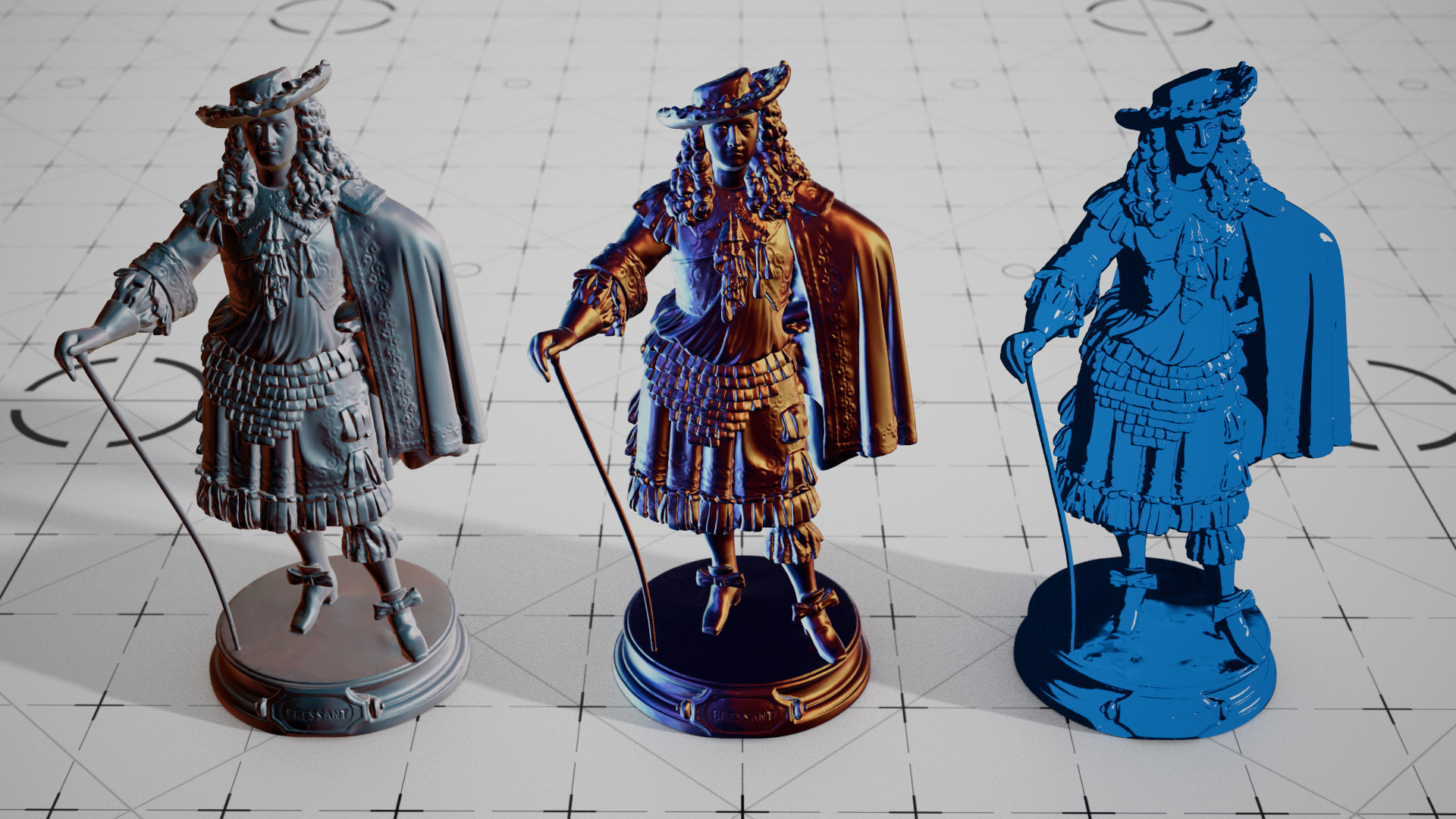
MatCap Shader NodeQuickly create stylized, non-photo-real materials by mapping an image onto a mesh. |
 |
Jitter NodeAutomatically apply color variation across a large number of objects with the same material applied. |
 |
Physically Based MaterialsFlexible, production-ready shader, compatible with PBR workflows of Allegorithmic Substance and Unreal Engine. |
 |
Ray switchesControl how materials behave for certain ray types. Useful for customizing GI or double-sided polygon shading. |
 |
Hair shaderAccurately simulates light scattering off of and in hair with a physically principled model, yet offering artist-friendly controls. |
|
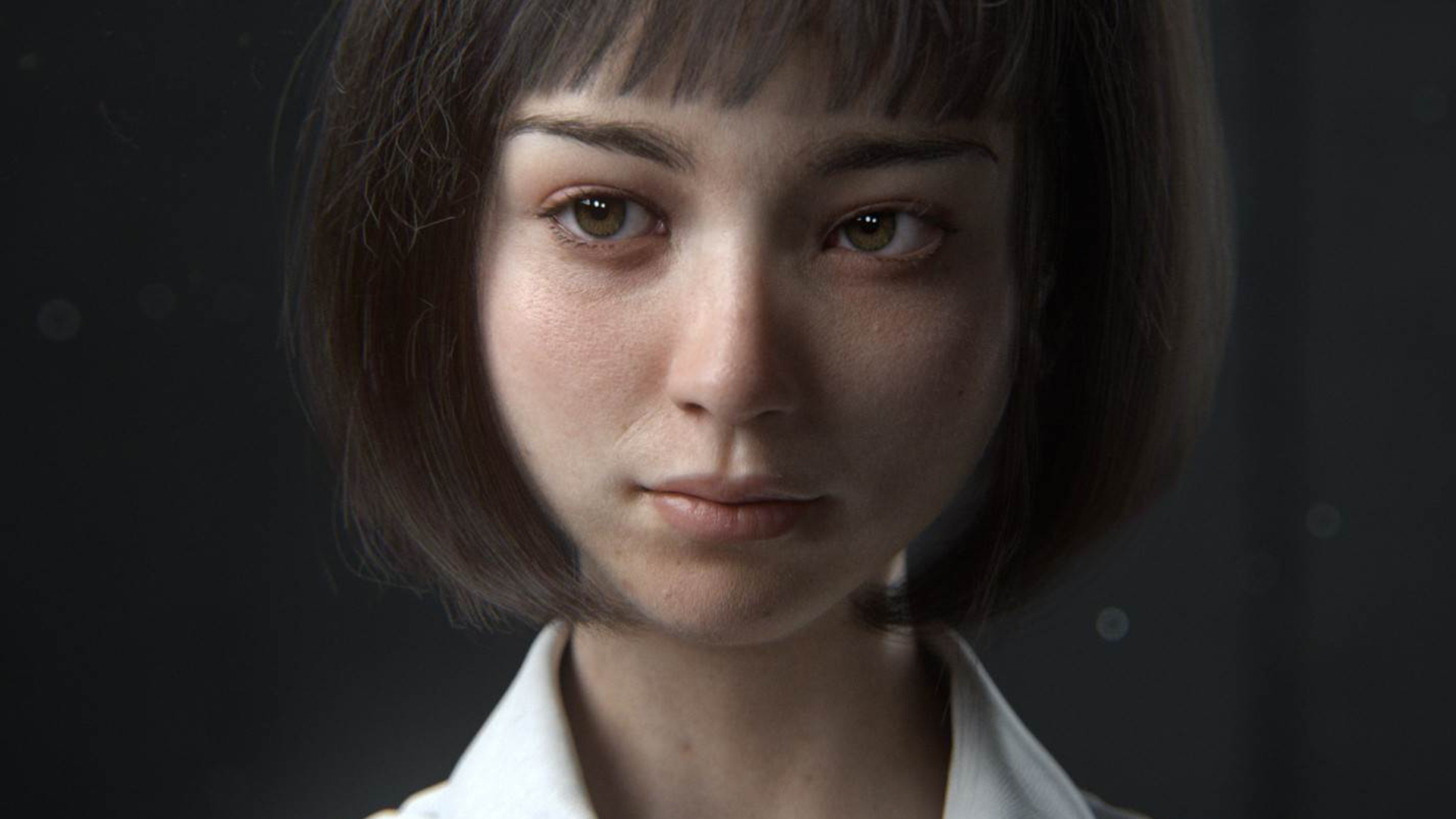
Dedicated skin shadersSupport for up to 3 layers of sub-surface scattering in a single shader for realistic looking skin. |
 |
Round cornersGet smooth edges without requiring geometry tessellation. This technology is licensed from NVidia. |
|
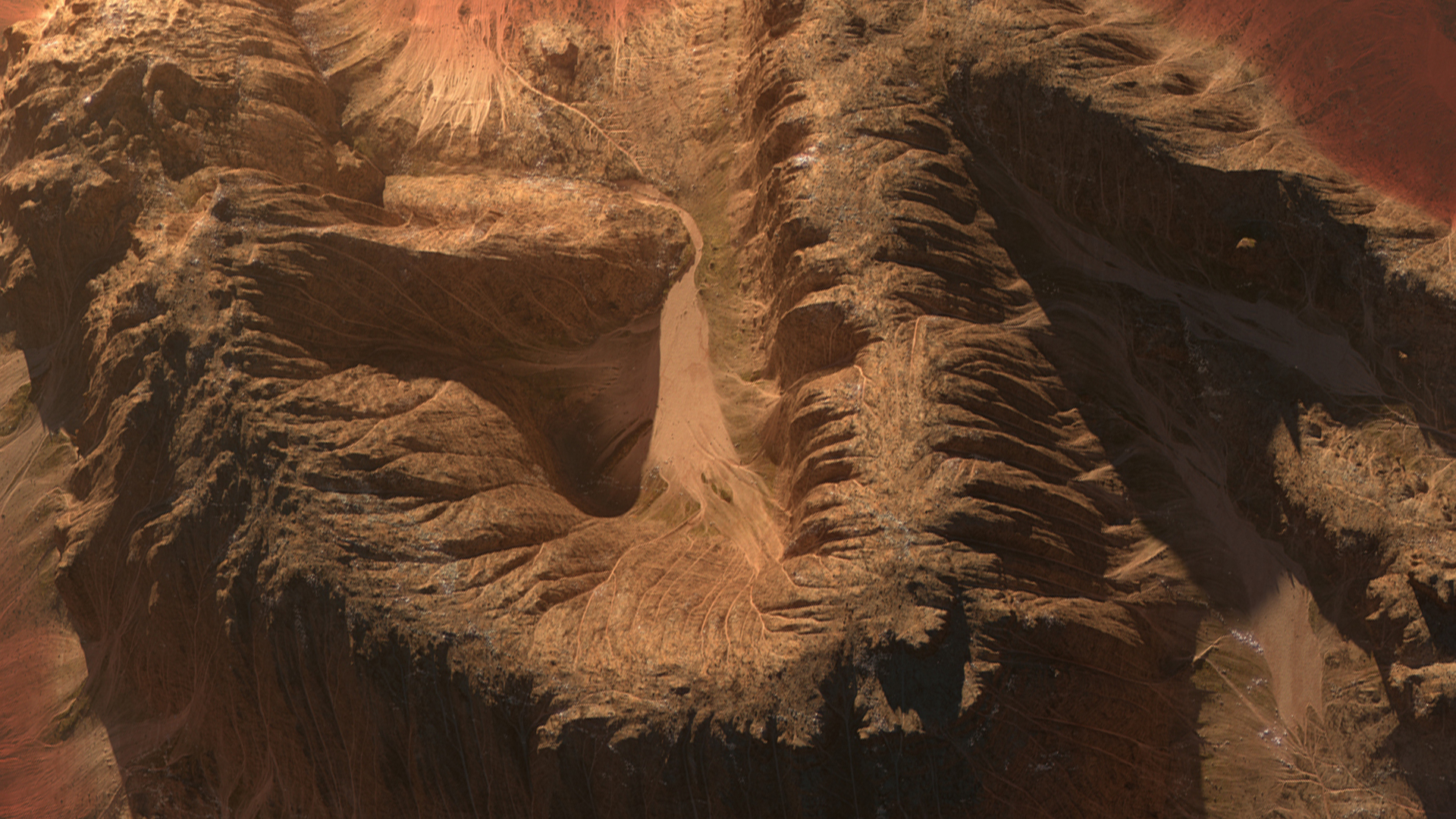
Displacement mapping with ‘auto-bump’Add geometric and lighting detail to surfaces using displacement mapped height, vector textures or procedural shading nodes. |
 |
No texturing limitationsVirtually unlimited number and size of textures regardless of VRAM. Built-in efficient UDIM/UVTile tiling support. |
|
Powerful shading attributesShaders can access per-vertex (weight maps, multiple UVs, etc) or per-object attributes for maximum flexibility. |
 |
Sprite nodeRender foliage and other opacity-cutout effects blazingly fast! |
|
Large variety of nodesRedshift supports many dcc shading nodes for math, color ramps, color remaps and conversion, gamma and many others. |
 |
Standard SurfaceRedshift’s Standard Surface offers incredible realism with intuitive controls. Create surfaces and translate materials from rendering systems easily. |
 |
Tile and Brick ShadersLay bricks faster than any stone mason with Cinema 4D’s popular Tile and Brick Shaders. |
 |
PRG Clear SkyThe new PRG Clear Sky model allows artists to simulate gorgeous sunsets with Redshift’s improved Sun and Sky. |
 |
Flakes ShaderThe new Flakes Shader generates voronoi- or dot- shaped flakes at random angles and surface depth to add the perfect detail and shine to your renders. |
 |


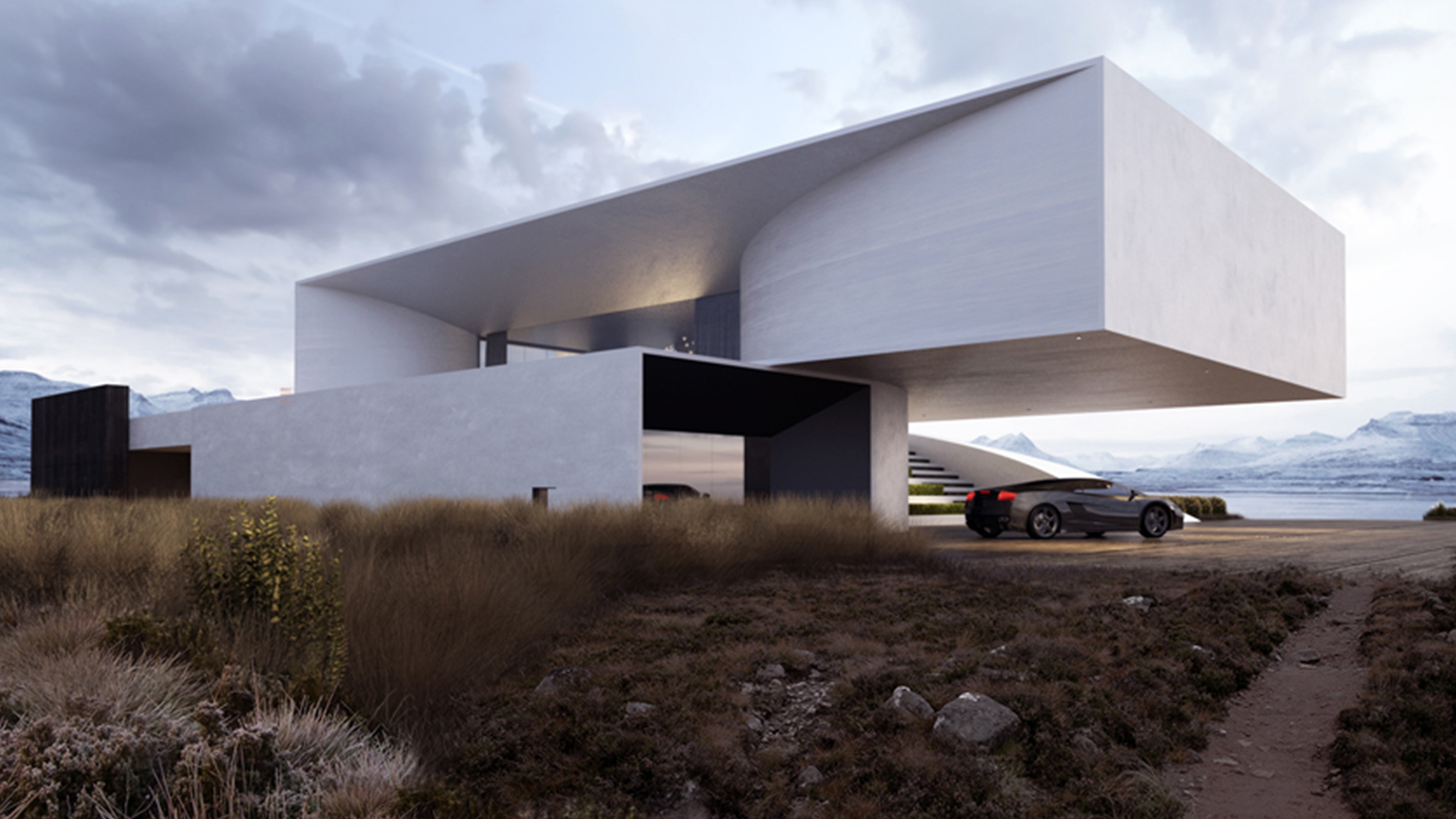
Dome lightsEfficiently light an entire scene using image-based environment textures. |
 |
Mesh lightsUse any mesh in the scene as a light source, with the same features and sampling efficiency as regular area lights. |
 |
Volumetric lightingRedshift lights can affect atmospheric volumetric fogging for the popular ‘God ray’ effect. |
 |
Physical sun and skyNatural-looking physical sun light and sky emulation. |
 |
Physically correct lightsFull flexibility ranging from area lights to photometric/IES lights, ‘portal’ lights and texture-projected ‘gobos’. |
 |
Multiple camera lens typesFisheye, spherical, cylindrical cameras, lens distortion. |
 |
VRStereo Spherical rendering for VR applications. |
 |
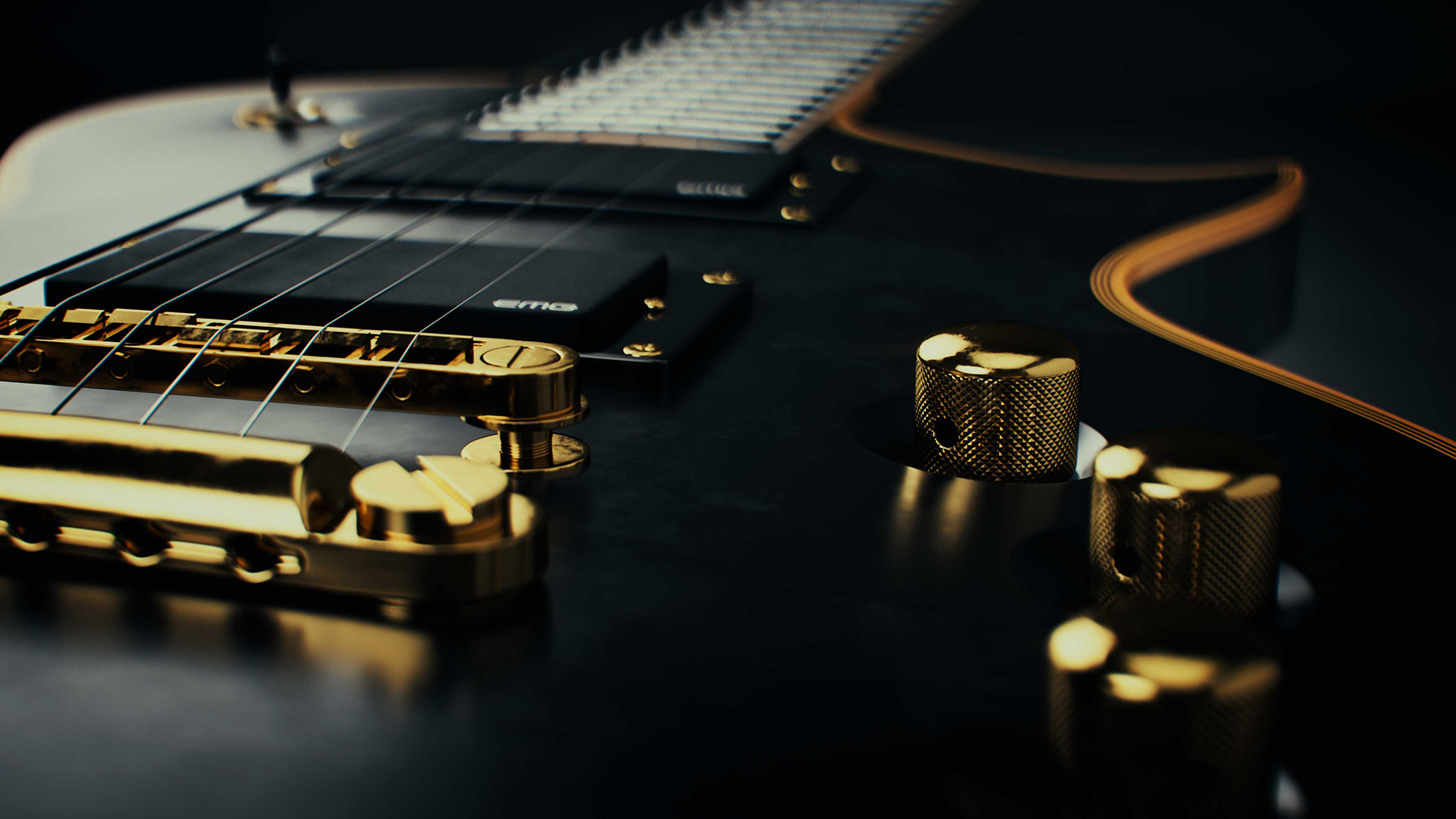
Physical lens effectsFamiliar photographic exposure controls such as ISO, shutter, vignette, color balance and textured bokeh depth-of-field. |
 |
Deep and Layered EXR supportFor 3D compositing and efficient management of AOVs. |
 |
Many AOV TypesMaterial shading components (albedo, diffuse, reflections etc), depth, motion vectors, puzzle-matte and many more. |
 |
BLENDER
BlenderSupport for Blender, an open source 3D creation suite. |
 |
KATANA
Foundry – KatanaSupport for Katana, a lookdev and lighting management tool from Foundry. |
 |
CINEMA 4D
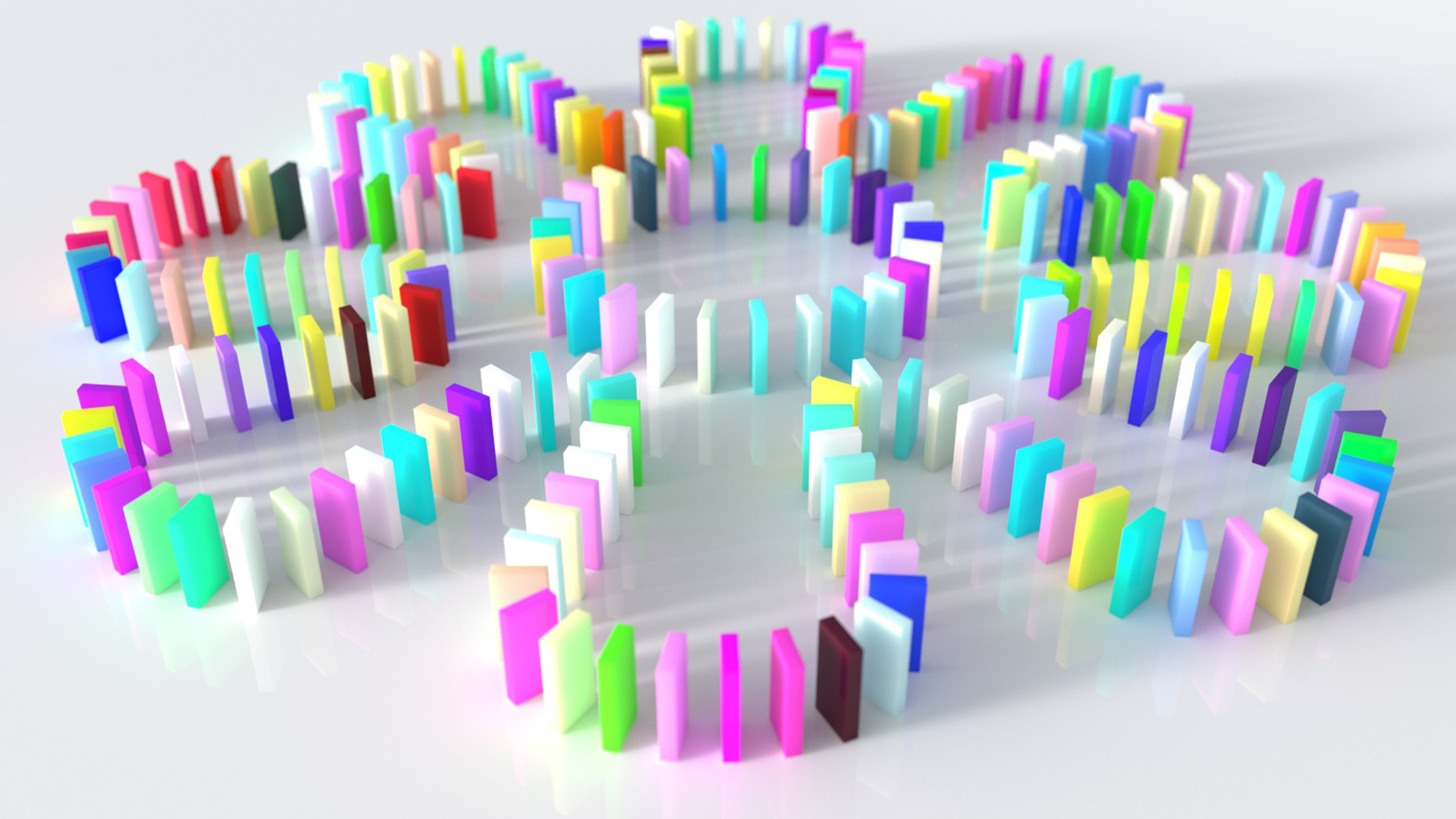
Mograph ClonerExtensive support for Cinema 4D’s geometry objects including Instances, Generators, Deformers, Cloners and MoGraph objects. |
 |
CINEMA 4D
Particle InstancingSupport for powerful built-in particle instancing and per-particle attributes. |
 |
CINEMA 4D
Redshift Viewport Preview (C4D)Redshift’s Node-Based materials look great in the viewport, thanks to improved support for previewing textures. |
 |
CINEMA 4D
Redshift Exchange Support (C4D)We’ve added support for exporting common material attributes and textures from Redshift materials to FBX and USD. |
 |
CINEMA 4D
Pavement ShaderRedshift’s Pavement Shader gives you the power to generate cracked pavement, flagstone mosaic patterns and more. |
 |
CINEMA 4D
Camera BackplatesCamera Backplates are now available in Redshift for C4D, offering amazing compositing control. |
 |
ZBRUSH
ZBrushThis first step of Redshift integration into ZBrush delivers new workflows to render images with subsurface scattering and emissive light generation. |
 |
HOUDINI
Hair and FurSupport of the Houdini curve primitives, that are extracted as efficient Redshift hair objects. |
 |
HOUDINI
Houdini primitivesAutomatic and configurable tessellation of the Houdini primitive surfaces (primitives, nurbs, etc.). |
 |
HOUDINI
VolumesDirect rendering of OpenVDB files and the Houdini Volume and VDB primitives. Support of volume instancing and velocity grids. |
|
HOUDINI
StrandsRender of any kind of Houdini primitive as Redshift strands. |
 |
HOUDINI
Instancing and particlesSupport of Houdini instancing, including the Instance OBJ node, and the “instance” and “instancepath” attributes. |
|
HOUDINI
Non-GUI ToolsThe plugin is compatible with all the Houdini non-GUI tools and includes a set of custom HScript commands to control the renderer. |
 |
3DS MAX
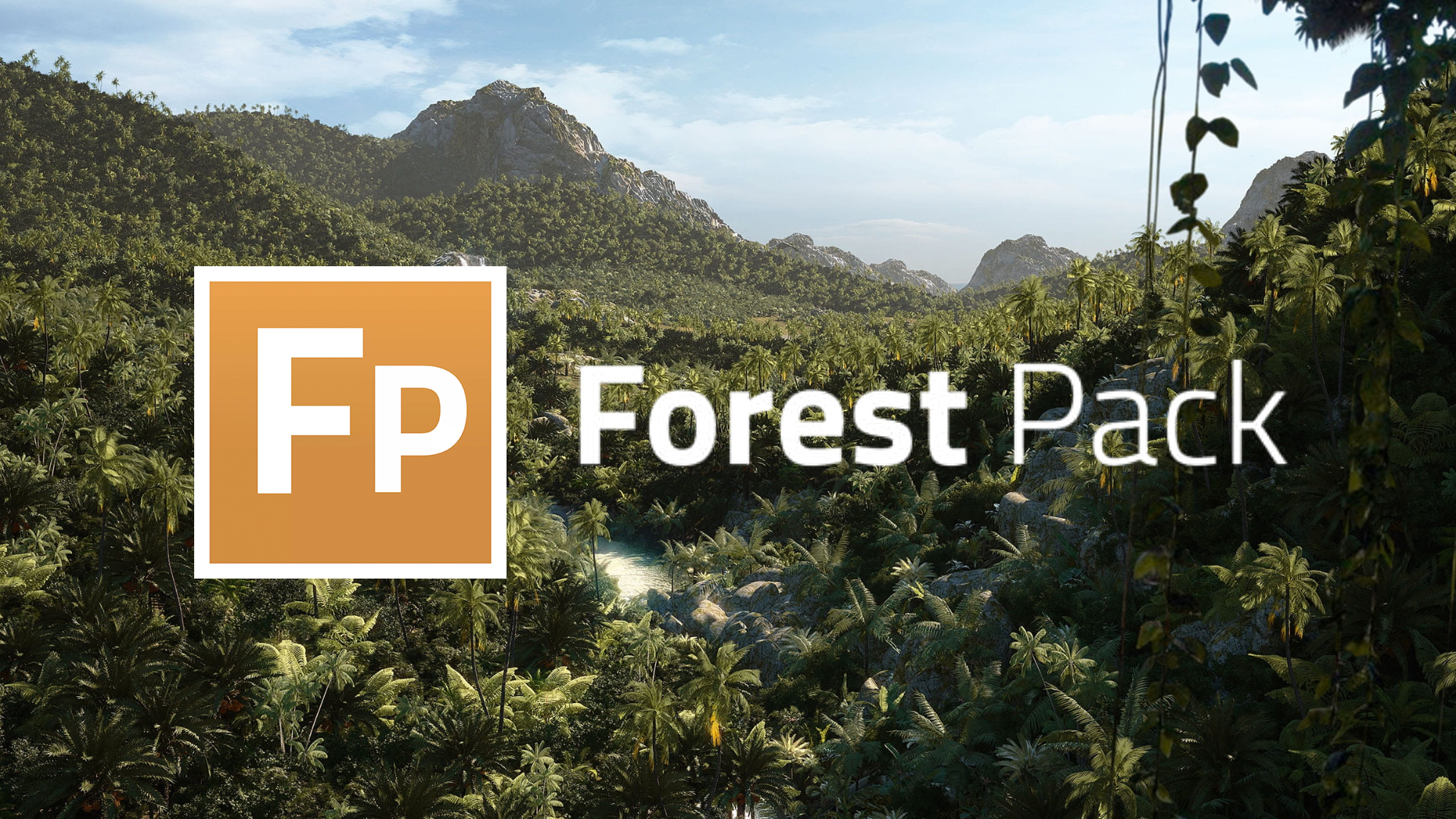
Forest PackSupport for the world’s most popular scattering plug-in. |
|
3DS MAX
Ornatrix MaxSupport for the super popular hair, fur and feathers plug-in for 3ds Max. |
 |
3DS MAX
Hair FarmSupport for the precise and powerful hair modeling 3ds Max plug-in. |
|
MAYA
InstancerSupport for Autodesk’s extension for node managing instances of scene objects created by a MASH network. |
 |
MAYA
XGenSupport for Autodesk’s own geometry instancer for Maya. |
 |
MAYA
Ornatrix MayaSupport for the super popular hair, fur and feathers plug-in for Maya. |
 |
MAYA
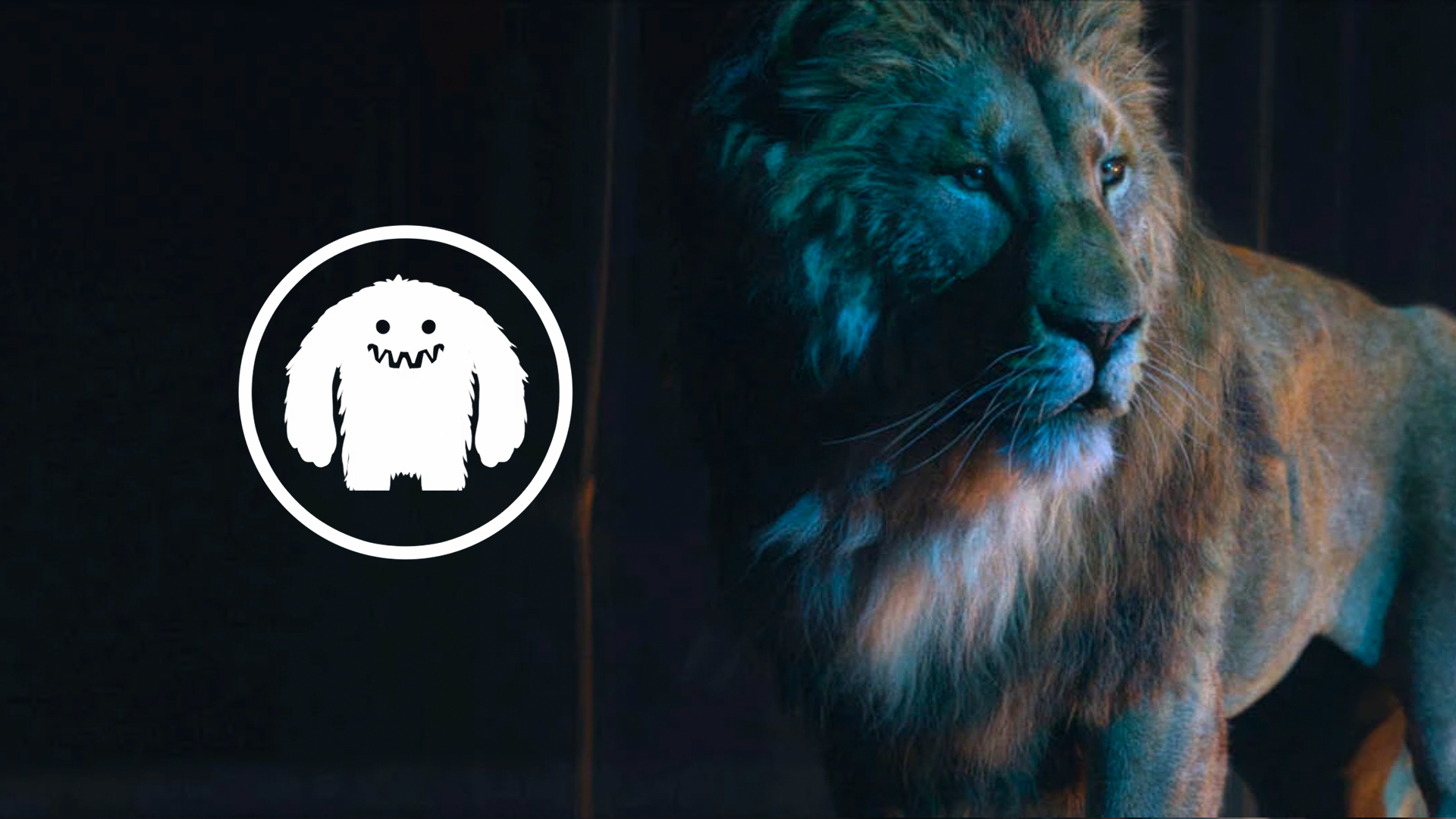
PL YetiSupport for the popular fur, hair and feathers tool-set for Maya. |
 |
MAYA
Joe AlterSupport for Shave and a Haircut the veteran Maya hair and fur plugin. |
 |
MAYA
GolaemSupport for the popular crowd simulation software for Maya. |
 |



REDSHIFT REQUIREMENTS
Operating Systems
- Microsoft Windows: 64-bit Windows 10 & Windows 11
- Linux: 64-bit distribution with glibc 2.17 or later
- Apple macOS 12.6+ (Monterey) or 13.3+ (Ventura), or 14.0+ (Sonoma). Note: macOS 14.3 required for non-Apple Silicon hardware running Sonoma
3D Applications Supported
- Autodesk Maya (Windows, Linux, macOS): 64-bit edition. 2018 or later
- Autodesk 3ds Max (Windows): 64-bit edition. 2018 or later
- Maxon Cinema 4D (Windows and macOS): 64-bit edition. R21 or later
- Maxon Cinema 4D (Linux CommandLine): 64-bit edition. R21 or later
- SideFX Houdini (Windows, Linux): 64-bit edition. 17.5 or later
- SideFX Houdini (macOS): 64-bit edition. 18.0 or later
- Foundry Katana (Windows, Linux): 64-bit edition. 4.0v1 or later
- Blender (Windows, Linux): 64-bit edition. 2.83LTS or later
Minimum Requirements (Windows)
- 16 GB of RAM
- 64-bit processor with AVX2 support
- NVIDIA GPU with CUDA compute capability 5.0 or higher and 8 GB VRAM, or
- AMD “Navi” or “Vega” GPU or later with 8 GB VRAM or more (see GPU list below)
- RedshiftRT requires an Nvidia GPU with RTX capability on Windows 10 & 11
Minimum Requirements (macOS/Intel)
- 16 GB of RAM
- 64-bit processor with SSE4.2 support
- AMD “Navi” or “Vega” GPU or later with 8 GB VRAM or more (see GPU list below)
Minimum Requirements (macOS/Apple Silicon)
- 16 GB of unified memory
- Apple “M” Series (M1, M2 & M3)
Minimum Requirements (Linux)
- 16 GB of RAM
- 64-bit processor with AVX2 support
- NVIDIA GPU with CUDA compute capability 5.0 or higher and 8 GB VRAM
Recommended Requirements
- Windows/Linux: Core i7 or Xeon equivalent or better, 3.0GHz+ with 32 GB of RAM or more
- Windows/Linux: Multiple NVIDIA GPUs with CUDA compute capability 7.0 or higher and 12 GB of VRAM or more and RTX technology, or
- Windows/Linux: Multiple AMD GPUs (“Navi” series) with 12 GB of VRAM or more
- macOS: Apple “M” series with 16 GB unified memory (or more) running the latest macOS 13 Ventura point release
Supported NVIDIA GPUs for Windows and Linux: Please visit NVIDIA CUDA GPUs – Compute Capability to determine your GPU’s compute capability (minimum compute capability required is 5.0., 7.0 is preferred).
Supported AMD GPUs for Windows:
- Radeon PRO W7900, W7800, W6800, W6600, VII and W5700
- Radeon RX 7950 XTX, RX7950 XT, RX7900, RX6950, RX6700 XT, RX6600 and RX5700 XT
In addition the following GPUs should be supported (but are not actively tested):
- Radeon Vega Frontier Edition, Radeon RX Vega 56, Radeon RX Vega 64 (gfx900)
- Radeon RX 5500 (gfx1012)
- Radeon RX 6800, Radeon RX 6900 (gfx1030)
- Radeon RX 6700 (gfx1031)
- Radeon RX 7800 (gfx1101)
- Radeon RX 7600, Radeon 7700 (gfx1102)
Supported AMD GPUs for macOS/Intel:
MacBook Pro
- Radeon Pro Vega 16/20
- Radeon Pro 5500M/5600M
iMac
- Radeon Pro Vega 48
- Radeon Pro 5500 XT/5700/5700 XT
iMac Pro
- Radeon Pro Vega 56/64
MacPro
- Radeon Pro Vega II / Vega II Duo
- Radeon Pro W5500X/W5700X
- Radeon RX 6800/6800 XT/6900 XT
- Radeon W6800X MPX
Thunderbolt eGPUs
- Radeon RX Vega 56/64
- Radeon Pro WX 9100
- Radeon VII
- Radeon RX 5500/5500 XT/5600 XT/5700/5700 XT
- Radeon RX 6800/6800 XT/6900 XT
- Radeon W6800X MPX